

Search the Prisma Docs Using Your Coding Agent

Your coding agent is mid-task and needs one specific answer from the Prisma docs. The usual move is to switch to a browser, search, scan a page, and come back, losing your place along the way.
The Prisma MCP server now skips that trip. Ask a documentation question about Prisma ORM, Prisma Postgres, schema design, or migrations, and get a cited answer assembled from the official docs, right where your agent is working. The tool rides along on the MCP server you already use to spin up databases: no new server to register, no extra auth, no client-side config.
What the docs tool does
search_prisma_documentation takes a natural-language question and returns a cited answer with links back to the source. It is read-only, so it also works when your client runs in a restricted mode.
What the Prisma MCP server already does
The Prisma MCP server lets AI tools manage Prisma Postgres through a standard interface: list databases, run SQL, introspect schemas. Docs search is the newest tool in that set, on the same server and connection. See the MCP server docs for setup and the full tool list.
How docs search proxies Kapa
Under the hood, search_prisma_documentation proxies Kapa's hosted MCP server. Per call, our server connects to Kapa as a client, forwards your question, and returns the answer. Your client only ever talks to one endpoint, ours, while Kapa handles retrieval behind it.
The Kapa API key stays server-side and never reaches your machine. Calls run through the same auth, rate limiting, and tracing as every other tool.
How to use it
Connect to the Prisma MCP server as usual. For Claude Code:
claude mcp add --transport http prisma https://mcp.prisma.io/mcpThe same works in any MCP client, Cursor, Codex, Windsurf, VS Code, or the Vercel MCP integration, using that client's own MCP config and the https://mcp.prisma.io/mcp endpoint.
Then just ask, and your agent picks the tool up on its own:
Use the Prisma docs search to find out how connection pooling works on Prisma Postgres.
Or call it directly from any MCP client:
{
  "name": "search_prisma_documentation",
  "arguments": { "query": "How do I deploy my project to Prisma Compute" }
}
You get back a markdown answer with links to the relevant pages on prisma.io/docs.
One tool to access the entire Prisma docs
The answers come from the full Prisma docs, so the same tool spans every latest product changes. Ask it about Prisma 8, Prisma Postgres, or Prisma Compute, and the answer comes back without leaving the editor.
About the author
Ankur is a member of the Prisma team who works closely with the developer community, with hundreds of contributions across Prisma's open source repositories and a background that includes founding an ed-tech startup. He writes about TypeScript, Node.js, PostgreSQL, and modern application stacks.
Keep reading
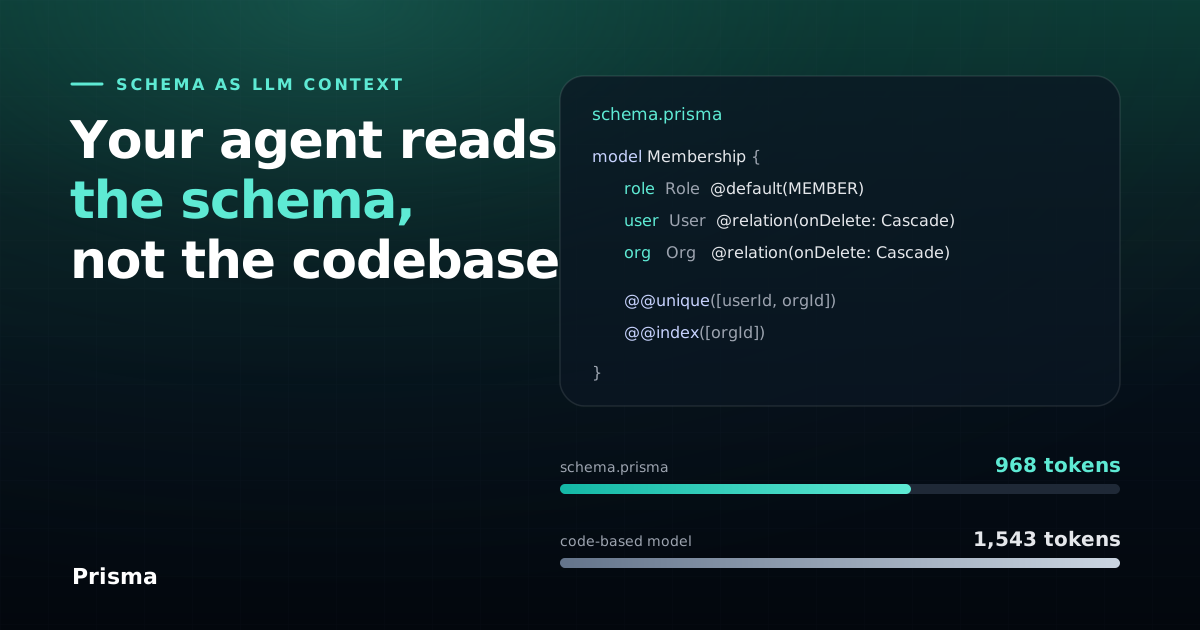
Why Your Agent Reads a Prisma Schema Better Than Your Codebase
Your data model in one declarative file. We measure what a Prisma schema costs an AI coding agent in tokens and type-check time, and what it buys.

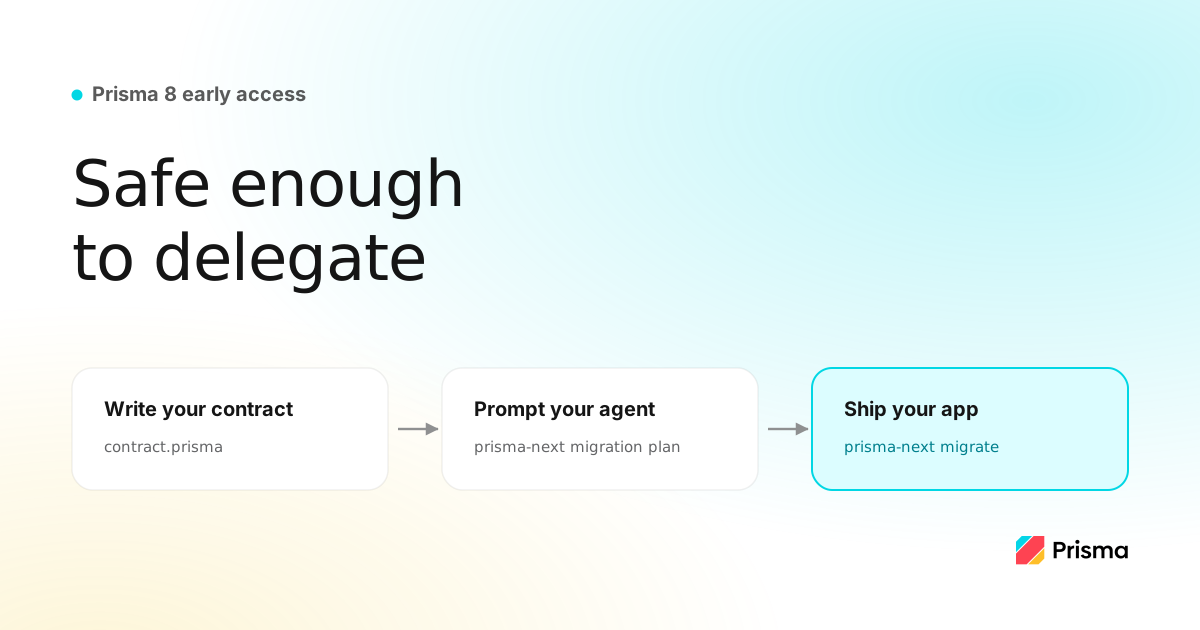
Prisma 8 Early Access: Write Your Contract, Prompt Your Agent, Ship Your App
Prisma 8 is open for Early Access. Define your data layer as a contract and the framework handles migrations, type-safe queries, and continuous upgrades, safe to delegate to your agent.

Build your next app with Prisma
Start free. Scale when you’re ready.