

Sunsetting Prisma Optimize

Prisma Optimize has evolved into Query Insights in Prisma Postgres.
We're sunsetting Prisma Optimize to make room for Query Insights. Query Insights is built right into Prisma Postgres and removes the friction that Optimize introduced. Let's look into what lead us to this decision and what this means for your projects.
What we learned from Prisma Optimize
In recent rounds of user feedback, we asked users of Optimize what their pain points were with the feature. In those conversations, a few patterns became clear:
- Adding a client extension for monitoring introduced friction, especially across runtimes and environments.
- Visibility into SQL queries was limited, and teams wanted more direct insight into what was happening at the database level.
- AI recommendations lacked SQL context, which made it harder to connect suggestions to the underlying query behavior.
- Profiling felt too manual, with recording workflows that were heavy for quick investigations.
All of this pointed to the same conclusion: query observability should be automatic, not something you have to wire up yourself.
Introducing Query Insights
Query Insights is built directly into Prisma Postgres and automatically provides analytics about your queries without requiring client extensions or additional setup.
Simply open your Prisma Postgres dashboard and go to the Queries tab.
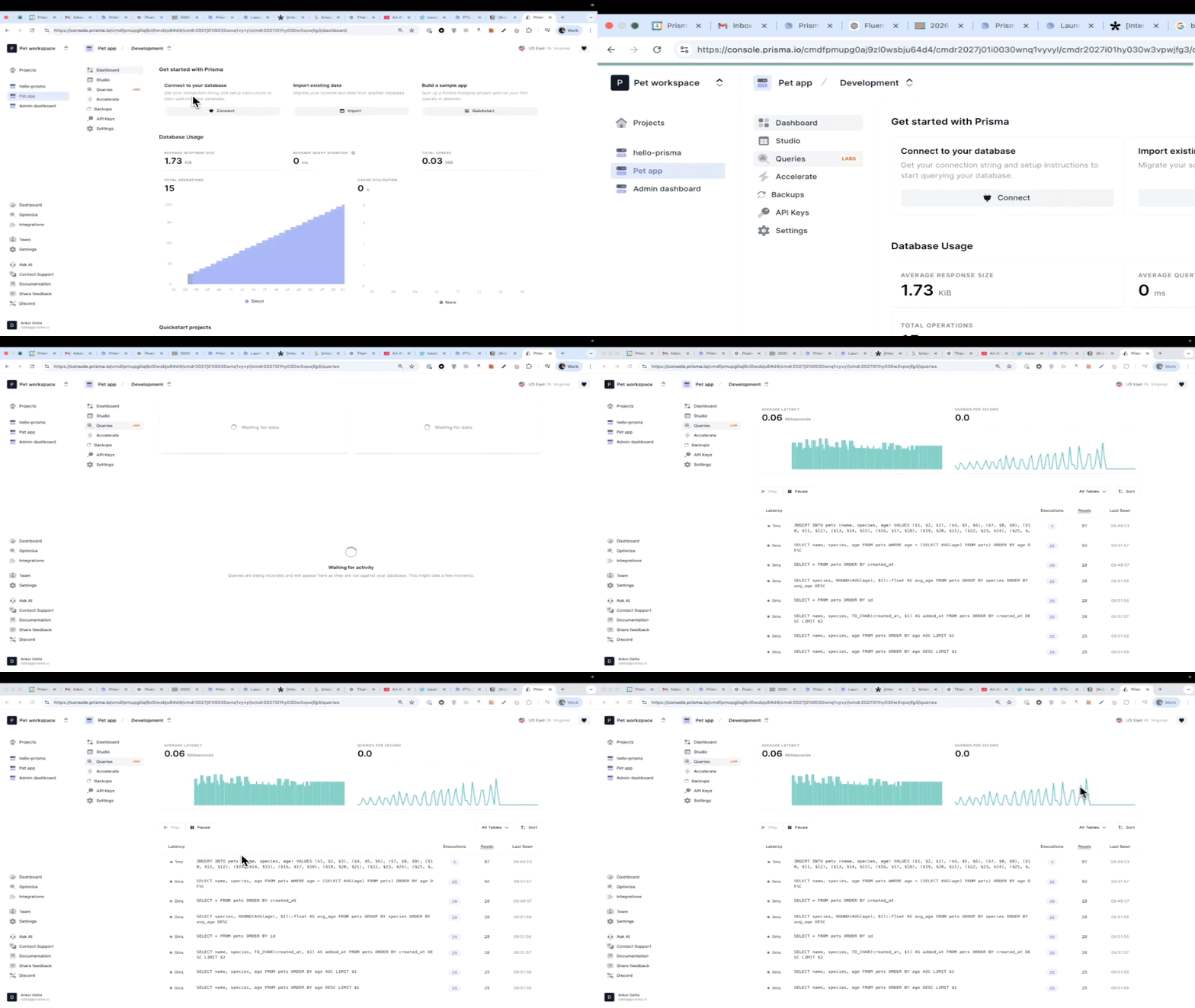
For existing Prisma Optimize users
If you previously installed Prisma Optimize, you can safely remove it.
- Uninstall the package:
bun remove @prisma/extension-optimize- Remove the extension from your Prisma Client setup:
import { PrismaClient } from '@prisma/client'
-import { withOptimize } from '@prisma/extension-optimize'

const prisma = new PrismaClient()
  .$extends(withOptimize())
Query Insights is available now as part of Prisma Postgres without extra setup, and will be launching more broadly soon.
Stay tuned for the official launch.
Keep reading
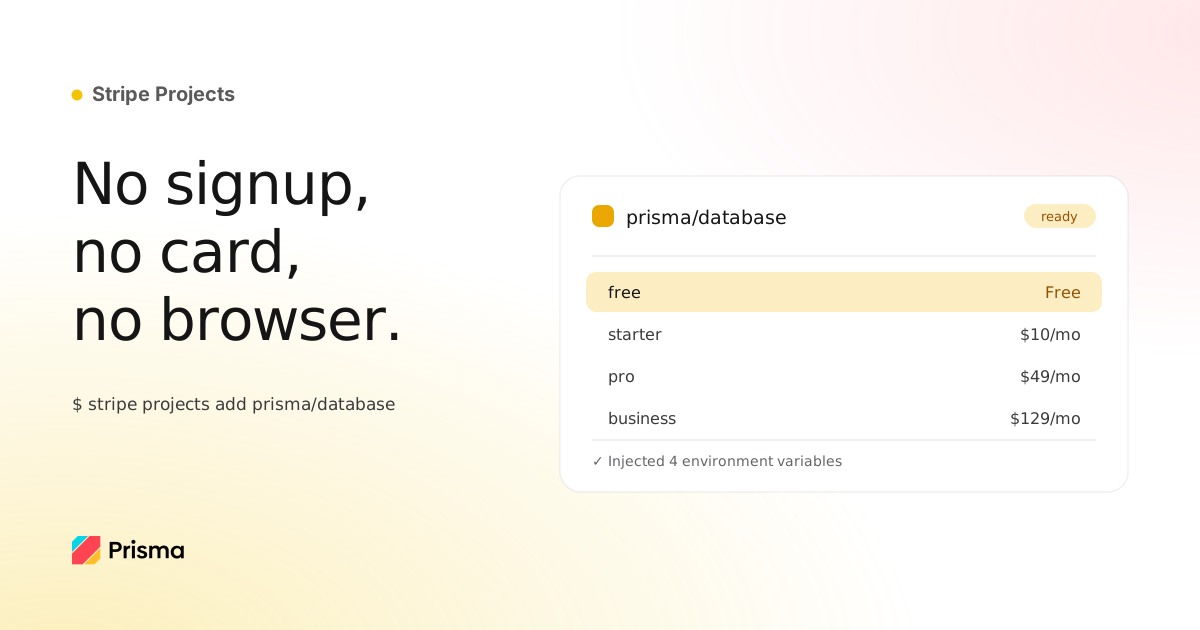
Your agent can now provision Prisma Postgres through Stripe
Add a Prisma Postgres database to your Stripe project with one command: spending limits out of the box, plan changes from the CLI you already use.

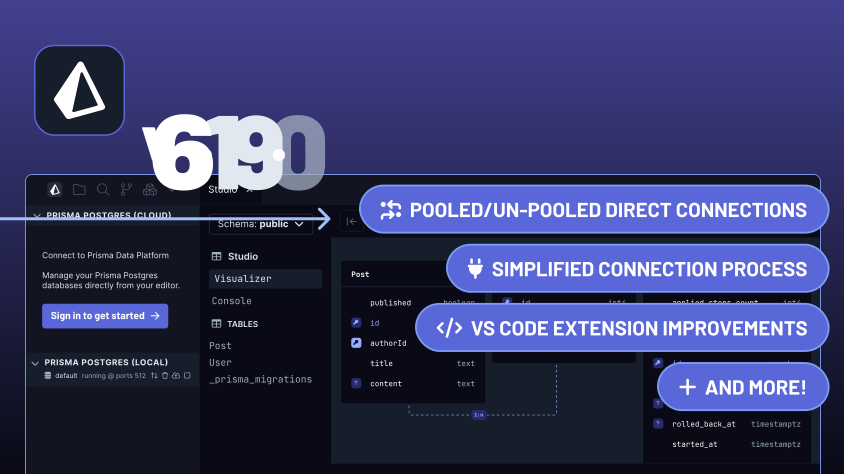
Announcing Prisma 6.19.0
Prisma 6.19 release includes pooled Postgres connections and VS Code extension improvements
Build your next app with Prisma
Start free. Scale when you’re ready.